
Repair Open Polylines
Closes open polylines by connecting their start and end points with a straight segment.
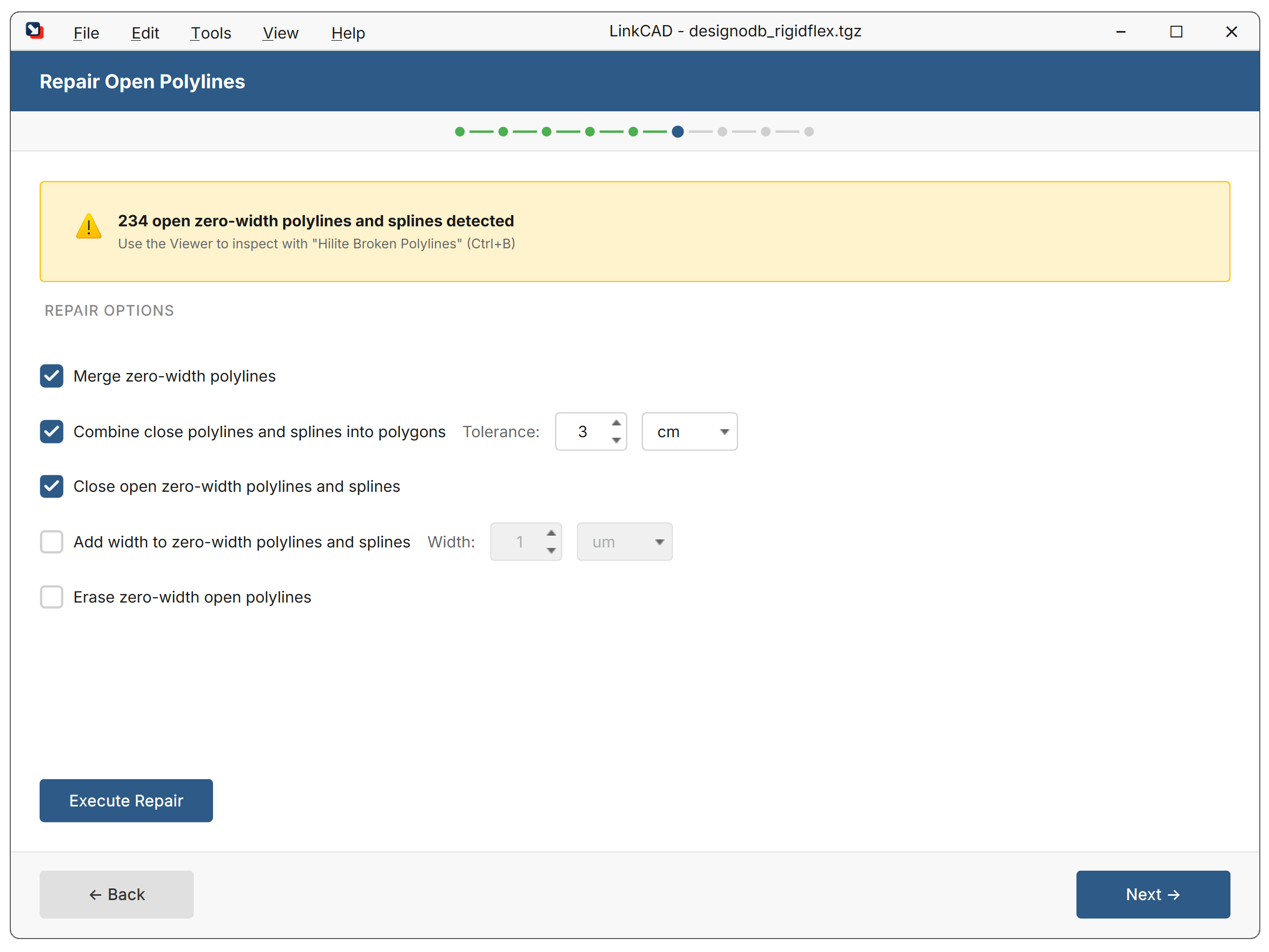
When to Use
- After importing files with broken geometry
- When the broken polyline highlighting reveals open paths
- Before boolean operations that require closed polygons
Options
| Option | Description | Default |
|---|---|---|
| Maximum gap | Only close polylines with a gap smaller than this value | Unlimited |
| Selected layers only | Apply to selected layers instead of all | Off |
How It Works
For each open polyline (where the first and last vertices don’t coincide):
- If the gap between endpoints is within the maximum gap tolerance, a closing segment is added
- If the gap exceeds the tolerance, the polyline is left open
Technical Notes
- Use the maximum gap option to avoid closing intentionally open paths
- This tool does not merge separate polylines — use Join Polylines for that
- Run Highlight Broken Polylines first to identify problem areas